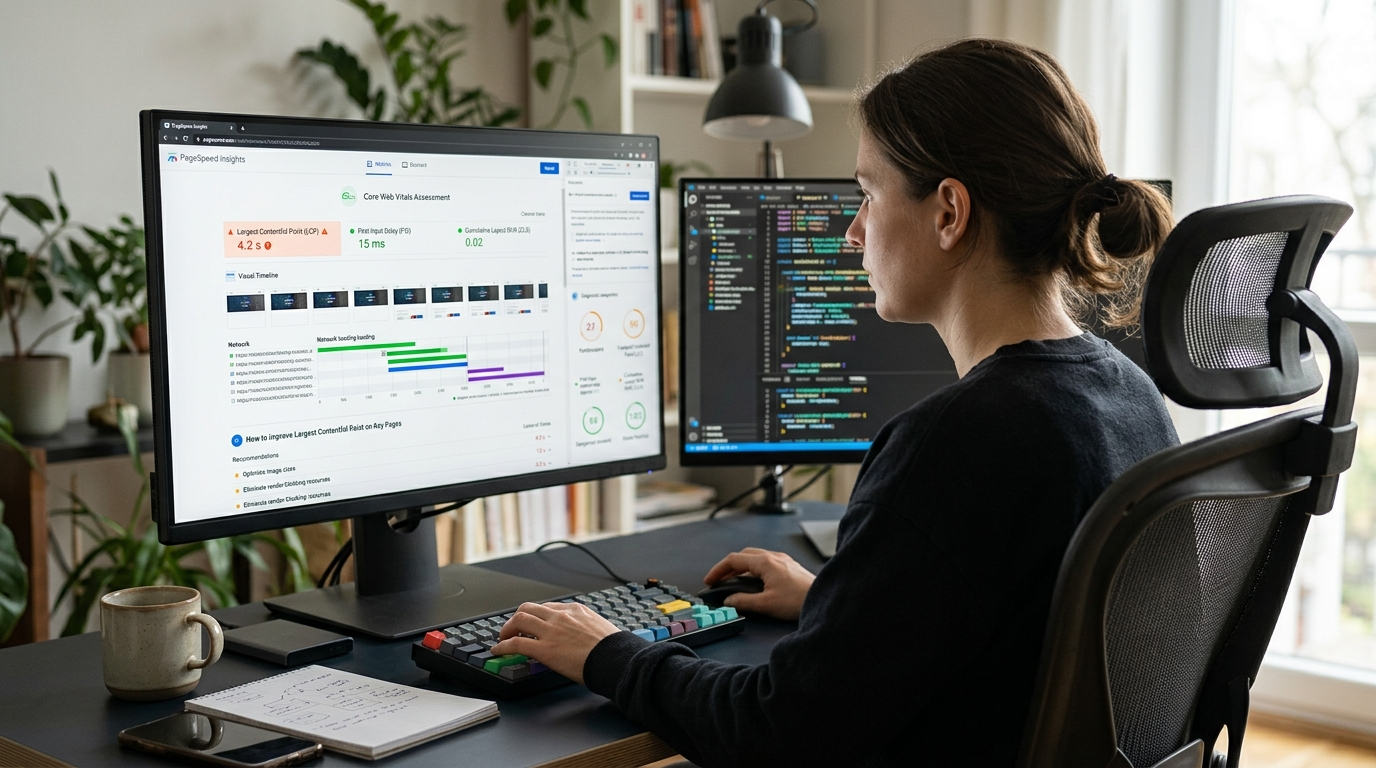
Largest Contentful Paint, or LCP, measures when the largest qualifying content element becomes visible within the viewport. Improving it requires following the actual render path, not shrinking random assets.
Identify the LCP element before acting
Inspect field data and a representative trace to see whether a hero image or text block becomes the largest element. A services homepage may use its main photo as LCP while a blog article uses the headline. Optimizing an unrelated footer image will not help the measured bottleneck.
Separate loading from rendering delay
Consider server response time, resource discovery, download duration and final render delay. An image downloaded quickly can still wait behind blocking scripts and styles. Treating the reported LCP time as one undifferentiated problem hides causes.
Give critical imagery priority
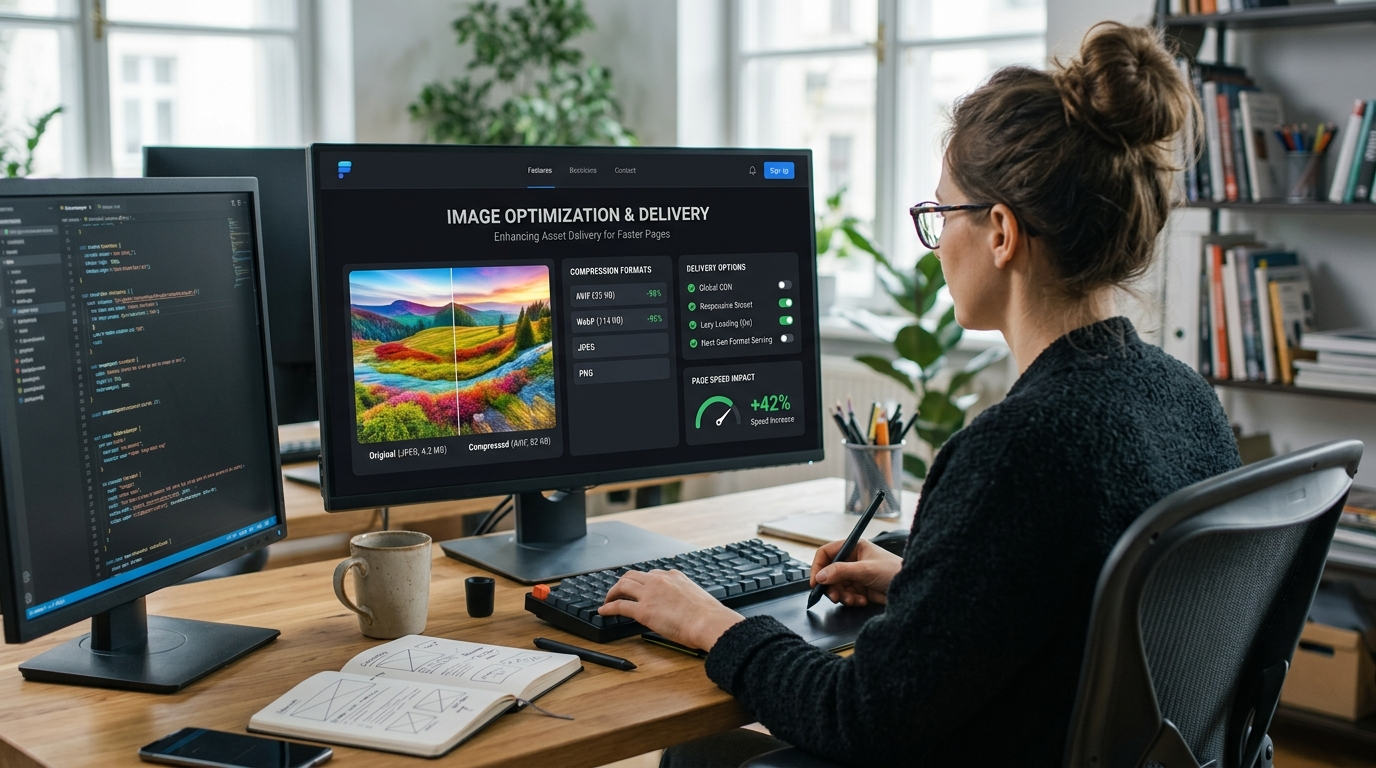
Use appropriately sized images, modern encodings where helpful, and sensible loading priorities. A hero image should not be lazy-loaded when it is essential above the fold. Preloading everything can increase contention rather than speed.
Reduce response and document delays
Inspect server time, cache behavior, CDN use and HTML delivery before working on images. A slow first byte delays discovery of every page resource. Client-side tweaks cannot always compensate for an overloaded server.
Audit render-blocking dependencies
Find nonessential CSS and synchronous scripts that postpone visible content. A heavy widget loaded before the headline may need to move later. Removing all CSS for a score can break layout and accessibility.
Handle fonts without hiding content
System fonts or an appropriate font-display value can keep headings available earlier. Choose a restrained font strategy and prevent long periods of invisible text. Custom fonts should not cause the entire hero to wait unnecessarily.
Measure representative templates
Test home, category, article and service pages on mobile and desktop conditions. A homepage improvement may not affect the article template's LCP element. One lab run should not be described as the experience of every visitor.
Use field data to validate changes
Compare real-user metrics across adequate periods and investigate differences by device or page group. A laboratory improvement may take time to appear in aggregated reports. Network and device variability can overwhelm small changes in a short sample.
Avoid trading speed for instability
Check visual quality, image crops, accessibility and layout shifts after each optimization. A smaller image should still show meaningful details without distortion. A faster but unusable hero is not a successful optimization.
Apply this guide
Run a representative mobile page through a performance tool and identify the LCP element. Check whether its load delay comes from image bytes, late discovery or blocking resources.
Documentation and next reading
Official and primary documentation worth checking for current behavior, requirements and limitations: